iOS 27 brings CarPlay its biggest update in years
Custom widgets, audio scrubbing and new wallpapers reach CarPlay, while video apps depend on carmakers certifying AirPlay video.
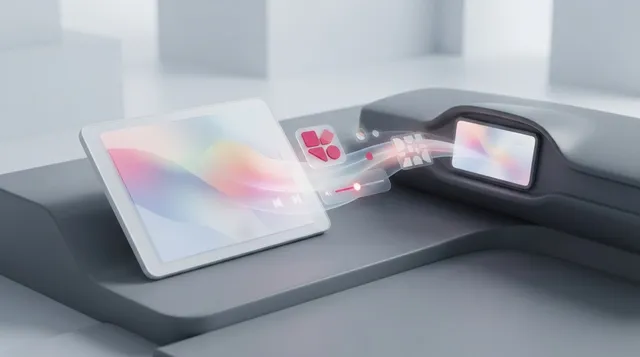
Apple has released iOS 27, and with it the largest CarPlay update in several years. Some of the new features work in any vehicle that supports CarPlay, while others depend on the type of car rather than the iPhone model.
Custom widgets are now supported: any compatible widget from the iPhone Home Screen can be added to the CarPlay dashboard, through Settings, General, CarPlay, then Widgets and Add Widgets. Widgets can be dragged to rearrange them, tapped to remove them, and Smart Rotate and Widget Suggestions can be toggled. The Now Playing screen gains a progress bar for scrubbing to any point in a song or podcast, plus a persistent mini-player that keeps artwork and controls on screen. Apple Music can filter playlists, albums, artists and songs by categories such as Favorites or All Playlists, and third-party music apps can adopt it.
CarPlay also gets 14 colour options for wallpapers in Apple’s Celosia design, shared with macOS 27, and Apple Maps gains natural language search for directions that avoid toll roads and highways. Apple says wireless CarPlay connections are more dependable, with improved GPS accuracy and better navigation heading detection, through changes made on the phone.
Video browsing in CarPlay requires carmakers to certify AirPlay video integration. Playback works only when the vehicle is parked, and it switches to audio once the car is shifted into drive.